EduBoardFor schools
Teachers keep their records. Families see their own child's progress.
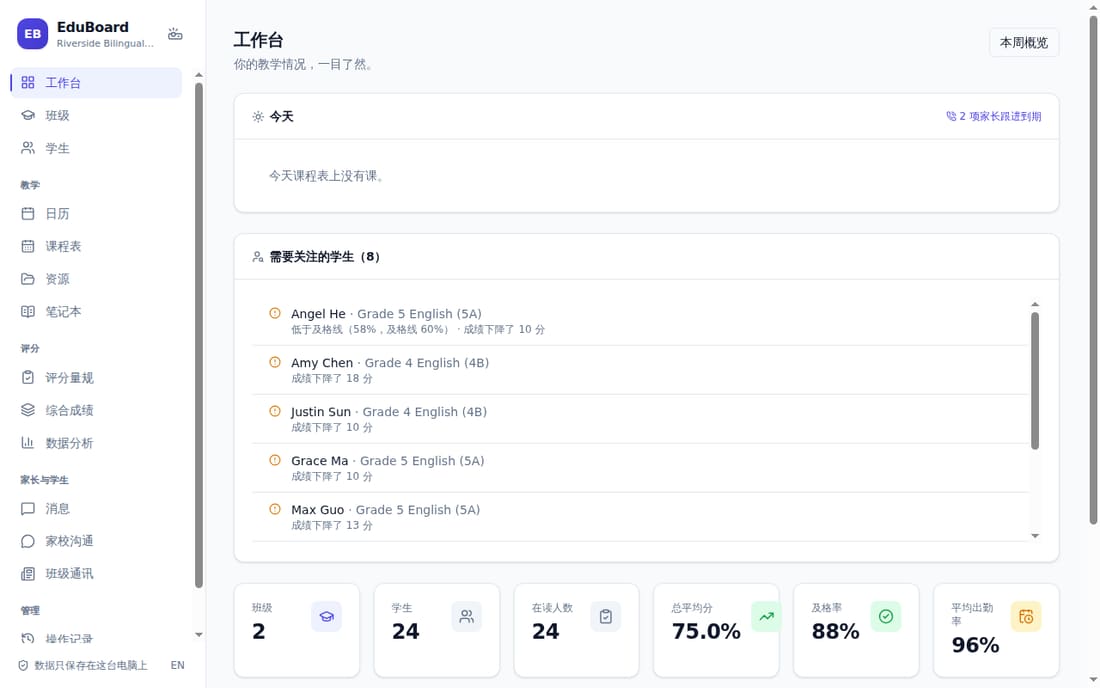
EduBoard is a free app for a teacher's gradebook, attendance and reports, with a Portal where students and families see their own work, grades and messages on any phone. In English and Chinese.
For teachers
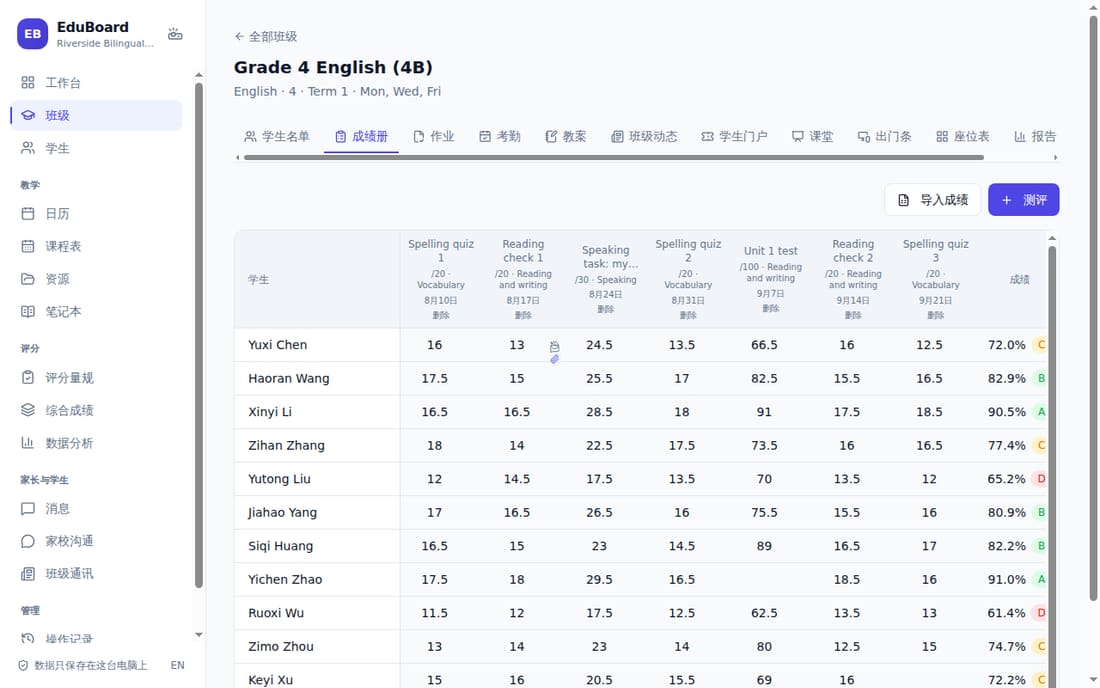
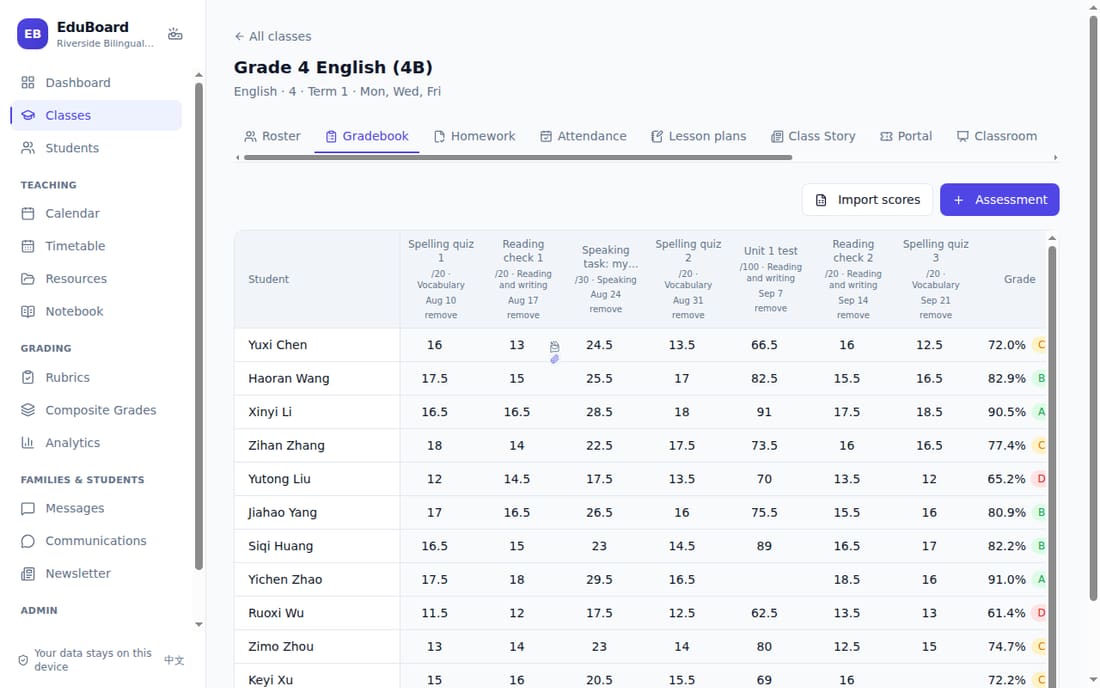
- A gradebook with categories, weights, rubrics and the school's grading scale; import scores from a spreadsheet.
- Attendance with the school's own codes and QR check-in; seating chart, class points, random picker, timer.
- Report cards for the whole class at once, with a comment bank and AI suggestions the teacher checks.
- Homework with self-marking questions, exit tickets, lesson plans, letters home; Word, Excel and PowerPoint export.
- Works without internet, on Windows, Mac and Linux.
For families
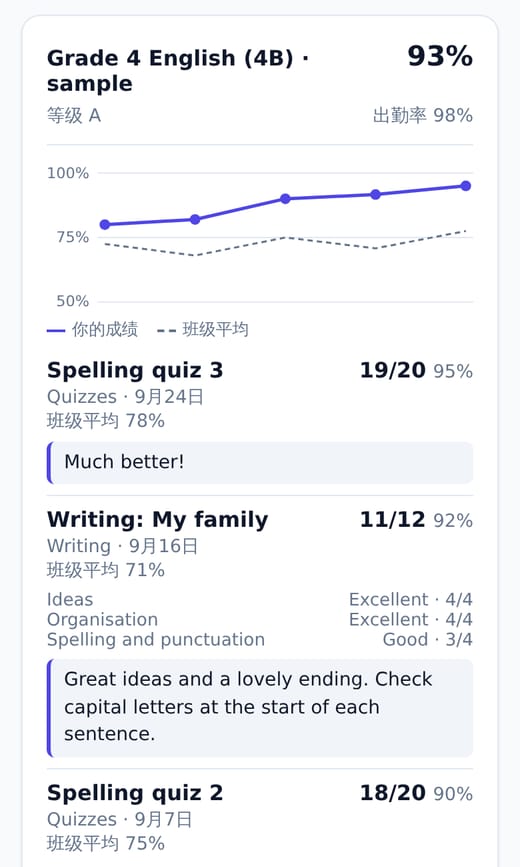
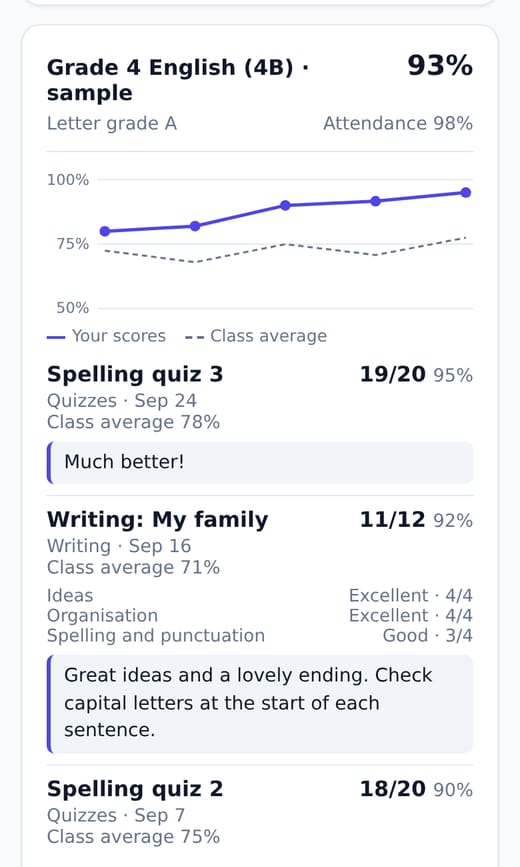
- Grades with each marked assessment, a chart over time and the teacher's feedback.
- Homework handed in online, and due dates in the family's own calendar.
- Report cards as PDFs, notices with reply slips (回执), and messages with the teacher, translated when needed.
- A Study Helper that answers from the teacher's materials (the teacher sees what's asked).
- A weekly email summary, and a copy of all their data at any time.
For the school
- Student records stay on the teacher's computer, encrypted with password protection.
- The Portal holds only what the teacher publishes: hosted in Hong Kong, or on the school's own server (open source).
- Families agree to the terms at first sign-in; the school can download the record.
- A privacy notice, data processing terms and a security overview, ready for review.
- A usage page: families active each week, report cards opened, notices answered.
edu-board.comprivacy@edu-board.com
Sample data in all pictures is made up.
EduBoardFor schools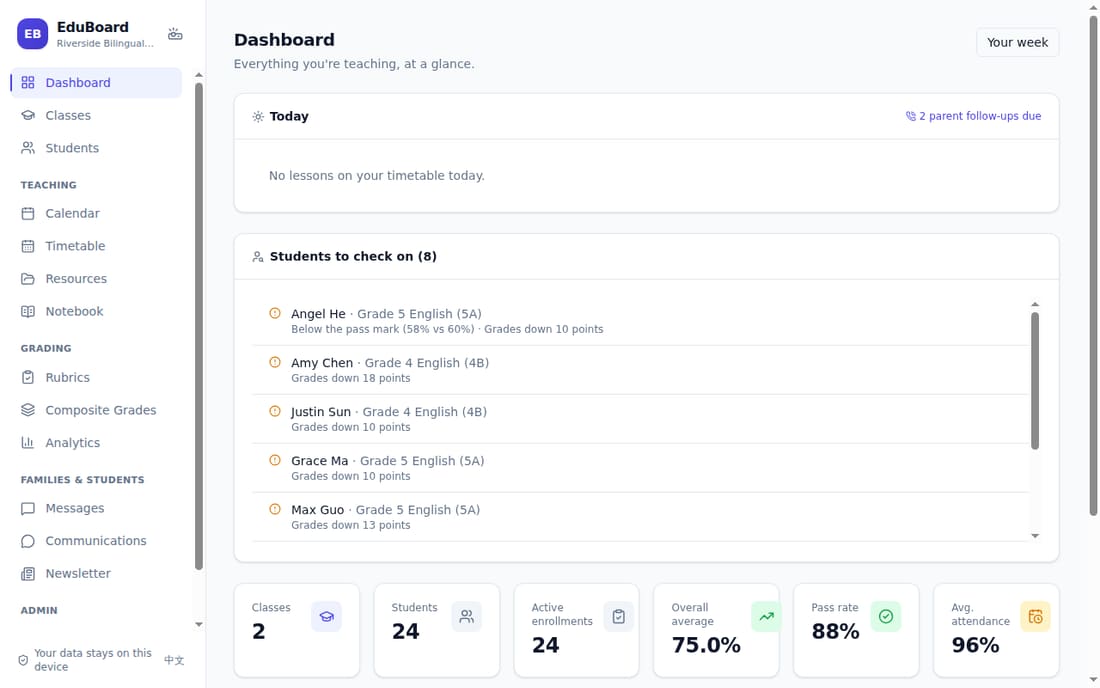
Try it in ten minutes
- Download the app at edu-board.com. In Settings → Help and updates, open the Sample school: two classes of made-up students with a term of scores, attendance and reports. Your own data is never touched.
-
See what families see: edu-board.com → Log in, username
demo, passwordtry-eduboard. - For your IT and data protection review: edu-board.com/security, /privacy and /data-processing.
Starting with one class
- A teacher installs the app and adds a class, or imports a class list.
- Publishing sends the Portal only what families should see.
- Families join with an invite code or QR code from the teacher.
Working with China's tools
- Posts to DingTalk and WeCom class groups.
- AI through DeepSeek, Qwen or Zhipu, reachable from China.
- Documents open in WPS as well as Microsoft Office.
Honest about what's next
- No outside security audit or certification yet.
- Two-step sign-in and off-site backups for the hosted Portal are planned.
- See edu-board.com/security for the full list.
edu-board.comprivacy@edu-board.com
Sample data in all pictures is made up.