 EduBoard
For teachers · free
Your classes, on your own computer.
Gradebook, attendance, report cards, lesson plans and classroom tools in one app, in English and Chinese. It works without internet, and student data stays on your computer, encrypted.
- Windows, Mac and Linux
- No account needed
- Updates itself
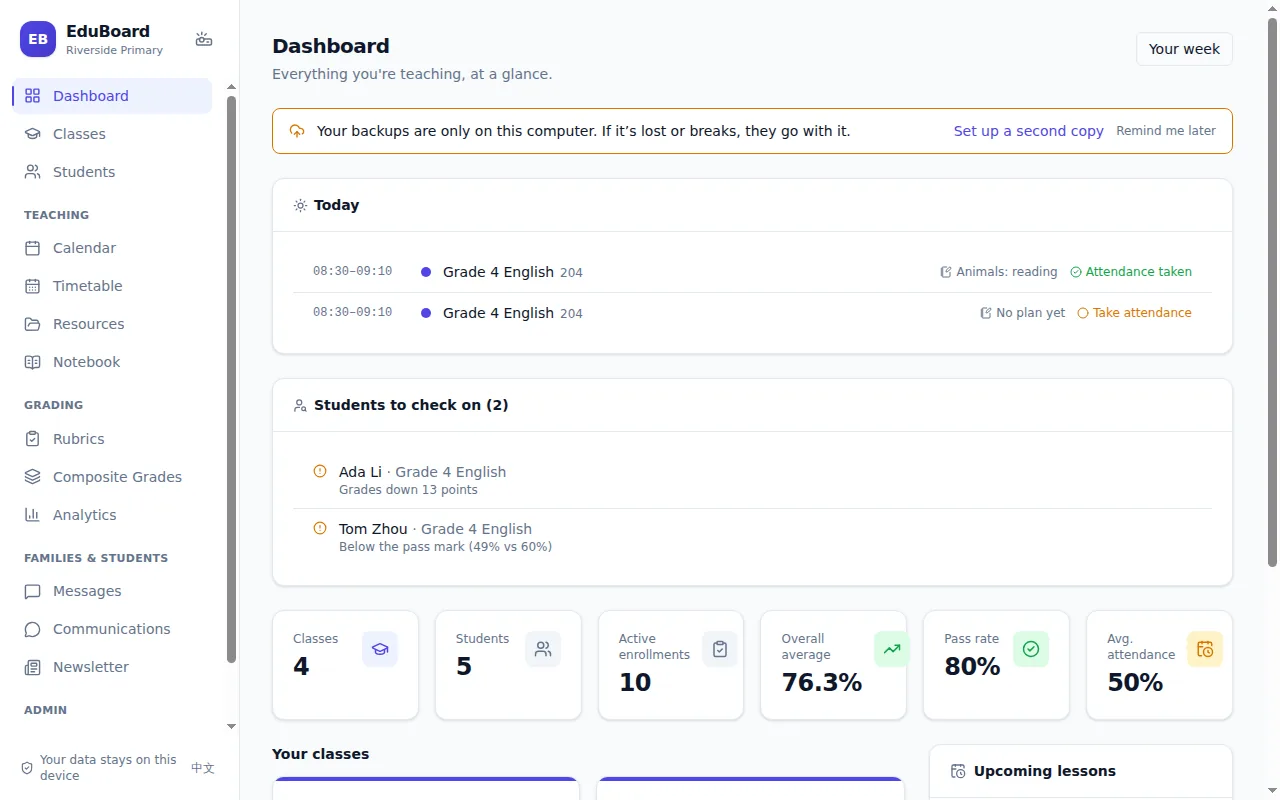
What’s in it
Everything a teacher does between lessons, without a school IT department or a subscription.
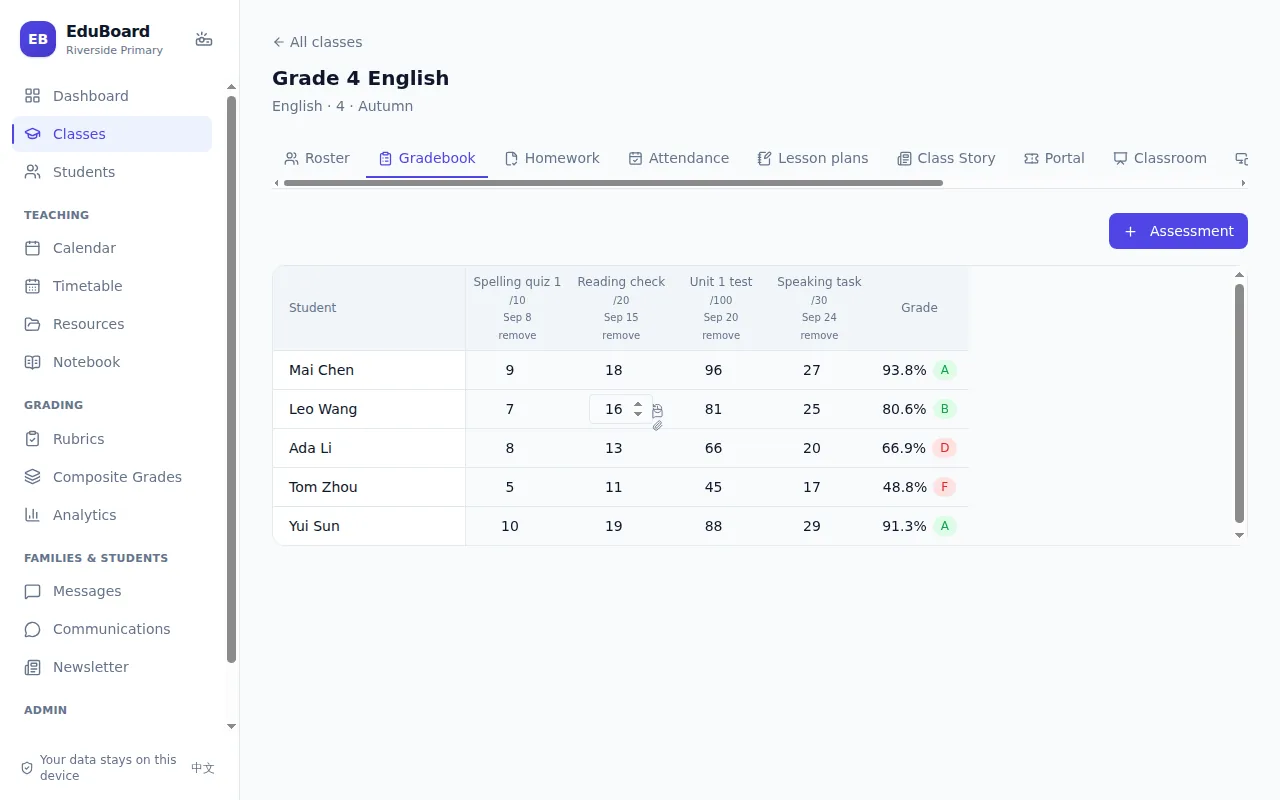
Gradebook and report cards
Weighted categories, rubrics and your school’s grading scale. Report cards as PDF or Word, with a comment bank.
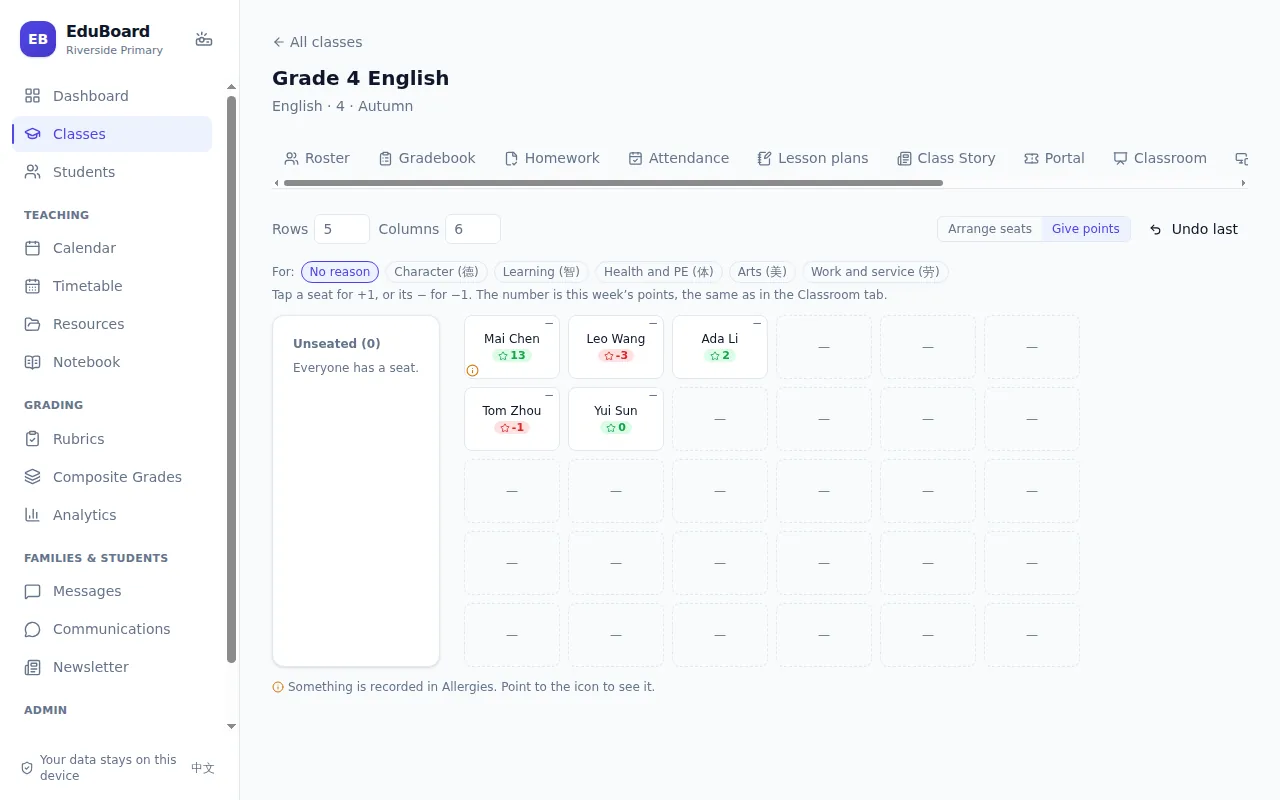
Attendance and classroom tools
Attendance with your own codes, a random name picker, groups, a timer, class points (德智体美劳 or your own) and seating charts.
Lesson plans and templates
Plan lessons from templates (5E, PPP, I do / We do / You do) and turn a plan into a PowerPoint to start from.
A website for students and families
Homework hand-in, a Class Story with read receipts, messages and a weekly email. Post to your DingTalk or WeCom class group too.
Your data stays with you
Everything is saved on your computer, encrypted, with an app lock, automatic backups and a presenting mode that hides grades.
AI that suggests, never decides
Optional. It suggests short phrases for report comments and wording for newsletters; you write the rest. It needs internet and your own key.
Download
Free. Pick the file for your computer.
Downloads come through this server, so they work where GitHub is slow or blocked. Each file is also on GitHub.
Windows
If Windows says “Windows protected your PC”, click More info, then Run anyway. EduBoard isn’t code-signed yet; nothing is wrong with it.
Mac
Open the .dmg and drag EduBoard to Applications. The first time, right-click it and choose Open, then Open again.
Linux
Make the AppImage runnable with chmod +x EduBoard.AppImage, then open
it.
Try it first
The app, with a sample school
In EduBoard, open Settings → Help and updates → Sample school. Two classes of made-up students with a term of work appear, kept apart from your own classes.
What families see
Sign in to the demo Portal as a parent:
open the Portal,
username
,
password
.
Everything in it is made up, and it resets every day.
For schools
Each teacher’s data stays on their own computer. The student and family website is a small server your school can run itself, or use this one. A school pack shares your logo, colours, grading scale, terms and templates with every teacher.
How to run your own Portal · User guide
For your IT and data protection review: Security overview · Privacy notice · Data processing terms
To share with colleagues: a two-page overview for schools (print or PDF)